
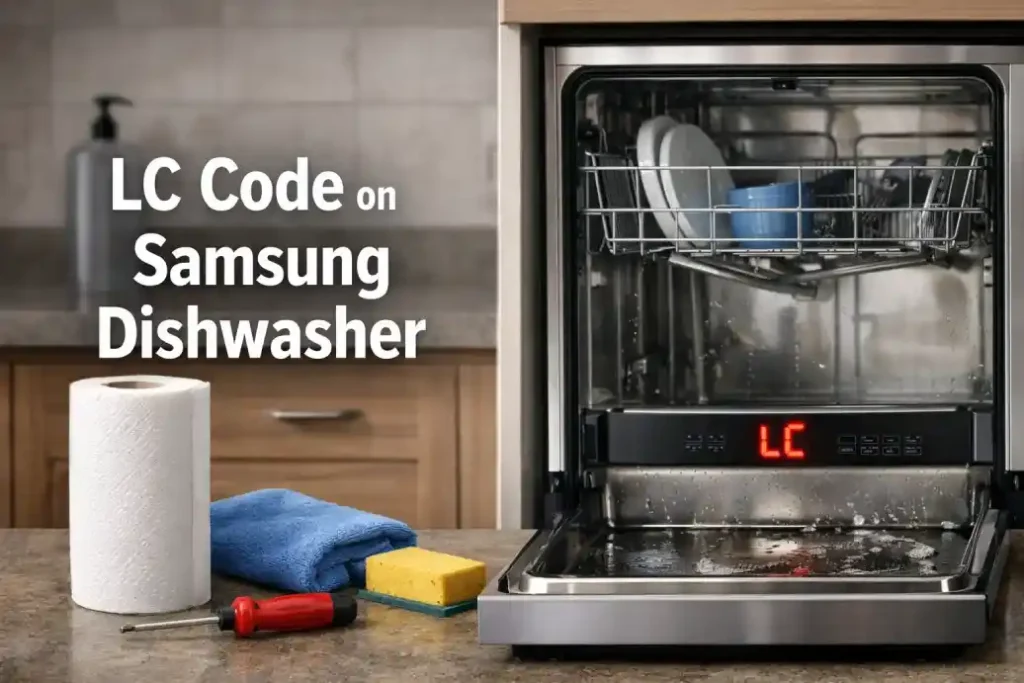
What Does the LC Code on a Samsung Dishwasher Mean?
If your Samsung dishwasher suddenly stops working and shows the LC code on Samsung dishwasher, it’s not just a random glitch — it’s a clear signal that the appliance has detected a leak or moisture issue.
The LC error is one of the most common alerts users face. Understanding the LC code on Samsung dishwasher meaning can save you time, money, and unnecessary stress.
In simple terms, the LC code indicates:
- Water leakage inside the unit
- Moisture detected in the bottom tray
- A triggered leak sensor
This safety feature prevents flooding and protects your home from water damage.

Professional Appliance Service
Expert Dishwasher Repair in New York
Having problems with your dishwasher? Whether it won’t drain, leaks water, makes unusual noises, or fails to clean dishes properly, our experienced technicians provide fast and reliable dishwasher repair throughout New York.
✓
Same-day service available
Fast Repair
✓
Experienced certified technicians
Trusted Service
✓
All major brands serviced
Any Brand
Why the LC Code on Samsung Dishwasher Appears
There are several reasons why the LC code on Samsung dishwasher fix becomes necessary. Not all of them mean serious damage — sometimes it’s something minor.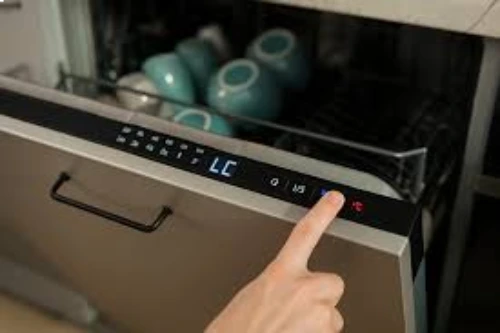
Common causes:
- Excess detergent causing foam overflow
- Loose or damaged hoses
- Blocked drain system
- Faulty water inlet valve
- Internal condensation buildup
- Dishwasher not leveled properly
Quick Troubleshooting Steps for LC Code on Samsung Dishwasher
Before calling a technician, try these steps to resolve the LC error Samsung dishwasher issue.
Step-by-step fix:
- Turn off the dishwasher and unplug it
- Shut off the water supply
- Tilt the dishwasher slightly (about 45°) to drain excess water
- Let it dry for 24–48 hours
- Restart the machine
If the LC code on Samsung dishwasher reset works — great. If not, continue reading.
LC Code Causes and Solutions
| Problem Cause | Symptoms | Solution |
|---|---|---|
| Water leak | Water under dishwasher | Inspect hoses and seals |
| Excess detergent | Foam inside dishwasher | Use correct detergent amount |
| Faulty leak sensor | Code appears instantly | Replace sensor |
| Drain blockage | Water not draining | Clean filter and drain hose |
| Improper installation | Unit tilted | Level the dishwasher properly |
How to Fix LC Code on Samsung Dishwasher Permanently
If the how to fix LC code on Samsung dishwasher question is still актуален, here are deeper fixes.
Check the Drain Hose
A clogged or bent hose can cause water buildup.
Inspect the Leak Sensor
Located at the bottom, it may be:
- Wet
- Dirty
- Faulty
Examine Door Seals
 Worn-out rubber seals can lead to slow leaks.
When LC Code Keeps Coming Back
If the LC error Samsung dishwasher fix doesn’t last, it usually means:
- Internal leak you can’t see
- Damaged internal components
- Faulty control board
At this stage, DIY may not be enough.
When to Call a Professional
You should consider repair service if:
- The LC code appears repeatedly
- There is visible water leakage
- The dishwasher stops mid-cycle
- You hear unusual noises
A technician can:
- Disassemble the unit safely
- Replace internal parts
- Diagnose hidden issues
Preventing LC Code in the Future
To avoid dealing with the LC code on Samsung dishwasher again:
- Use the correct detergent
- Clean filters regularly
- Avoid overloading
- Check hoses every few months
- Ensure proper installation
Final Thoughts
The LC code on Samsung dishwasher fix is often simpler than it looks. In many cases, drying the unit and checking for leaks solves the problem.
However, if the issue persists, don’t ignore it — small leaks can turn into major repairs.