

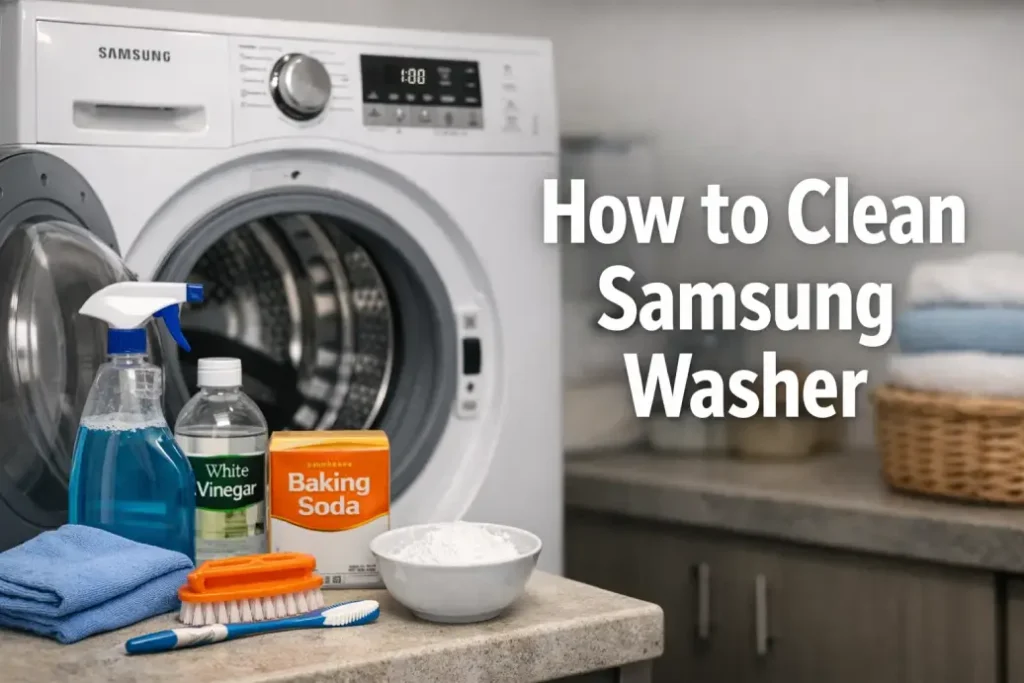
A washing machine is supposed to clean your clothes—but over time it can become a source of odors, mold, and detergent buildup. If you notice unpleasant smells, residue on clothes, or reduced performance, it may be time to clean your Samsung washer.
In this guide, you’ll learn how to clean a Samsung washer properly, what tools you need, and how to maintain your machine so it runs efficiently for years.
Why It’s Important to Clean a Samsung Washer
Many homeowners don’t realize that washing machines require regular maintenance. Soap residue, fabric softener, lint, and hard-water minerals gradually accumulate inside the drum and internal components.
When you clean a Samsung washer regularly, you can:
- Prevent mold and mildew growth
- Eliminate unpleasant odors
- Improve washing performance
- Extend the lifespan of the appliance
- Reduce the risk of costly repairs
Most manufacturers recommend performing a Samsung washing machine cleaning at least once a month, especially if you frequently wash at low temperatures.
Signs Your Samsung Washer Needs Cleaning
Before learning how to clean a Samsung washer, it helps to recognize when maintenance is overdue.
Common signs include:
- A musty or sour smell coming from the drum
- Dark spots or mold around the rubber gasket
- Detergent residue inside the detergent drawer
- Clothes coming out less clean than usual
- Visible lint or debris in the filter
If you notice these issues, it’s time to clean the Samsung washer drum and internal components.
Tools and Supplies You’ll Need
Before starting the Samsung washing machine cleaning process, gather a few basic items.
| Item | Purpose |
|---|---|
| White vinegar | Removes odors and mineral buildup |
| Baking soda | Helps break down residue |
| Microfiber cloth | Wiping interior surfaces |
| Soft brush or toothbrush | Cleaning small crevices |
| Mild detergent | Washing removable parts |
| Warm water | Rinsing and wiping |
Using the right supplies makes it easier to clean a Samsung washer thoroughly without damaging components.
Step-by-Step: How to Clean Samsung Washer
1. Run the Self Clean Cycle
Many modern machines include a Self Clean or Eco Drum Clean program designed specifically for maintenance.
Steps:
- Make sure the washer is empty.
- Select Self Clean on the control panel.
- Start the cycle without adding detergent.
- Let the washer complete the full cleaning program.
This cycle helps clean the Samsung washer drum and internal tubing by removing buildup and bacteria.
2. Clean the Rubber Door Gasket
Front-load washers often collect moisture around the rubber seal.
To clean your Samsung washer gasket:
- Mix equal parts vinegar and warm water.
- Dip a cloth into the solution.
- Pull back the rubber seal gently.
- Wipe away dirt, mold, and detergent residue.
If mold is present, use a soft brush to carefully scrub the area while cleaning the Samsung washer seal.
3. Wash the Detergent Drawer
Detergent drawers often accumulate sticky residue.
Steps for Samsung washing machine cleaning:
- Pull the drawer out completely.
- Remove inserts if possible.
- Rinse all parts under warm water.
- Use a brush to remove hardened detergent.
- Dry and reinstall the drawer.
Regular cleaning prevents blockages and ensures detergent flows properly when you clean a Samsung washer system.
4. Clean the Washer Filter
Many Samsung washers include a drain pump filter that traps debris.
To clean a Samsung washer filter:
- Locate the small access panel near the bottom front of the machine.
- Place a towel or shallow container underneath.
- Unscrew the filter slowly.
- Remove lint, coins, and debris.
- Rinse the filter and reinstall it.
A clogged filter can cause drainage problems, so it’s essential to include it when you clean your Samsung washer.
5. Wipe the Interior Drum
Even after a self-clean cycle, it’s helpful to manually wipe the drum.
Steps:
- Use a microfiber cloth with vinegar solution
- Wipe the drum walls and door glass
- Dry with a clean cloth
This final step ensures you clean the Samsung washer drum completely and remove any remaining residue.
Maintenance Tips to Keep Your Washer Clean
Once you learn how to clean a Samsung washer, regular maintenance becomes simple.
Follow these tips:
- Leave the door slightly open after washing
- Use the Self Clean cycle once a month
- Avoid using too much detergent
- Clean the gasket weekly if moisture accumulates
- Remove wet laundry immediately after cycles
Good habits reduce the need for deep Samsung washing machine cleaning and prevent odors.
When Professional Washer Service Is Needed
Sometimes odors or performance issues remain even after you clean your Samsung washer thoroughly. This may indicate deeper problems such as:
- Internal mold buildup
- Drain pump issues
- Blocked hoses
- Faulty sensors or valves
In these cases, scheduling a professional washer inspection can prevent more serious damage and ensure the machine operates safely.
Final Thoughts
Knowing how to clean a Samsung washer is essential for maintaining a fresh, efficient laundry routine. With simple monthly maintenance—cleaning the drum, gasket, detergent drawer, and filter—you can keep your washer performing like new.
If persistent smells, drainage issues, or unusual noises continue even after a full Samsung washing machine cleaning, professional service may be the best solution to restore your appliance.