

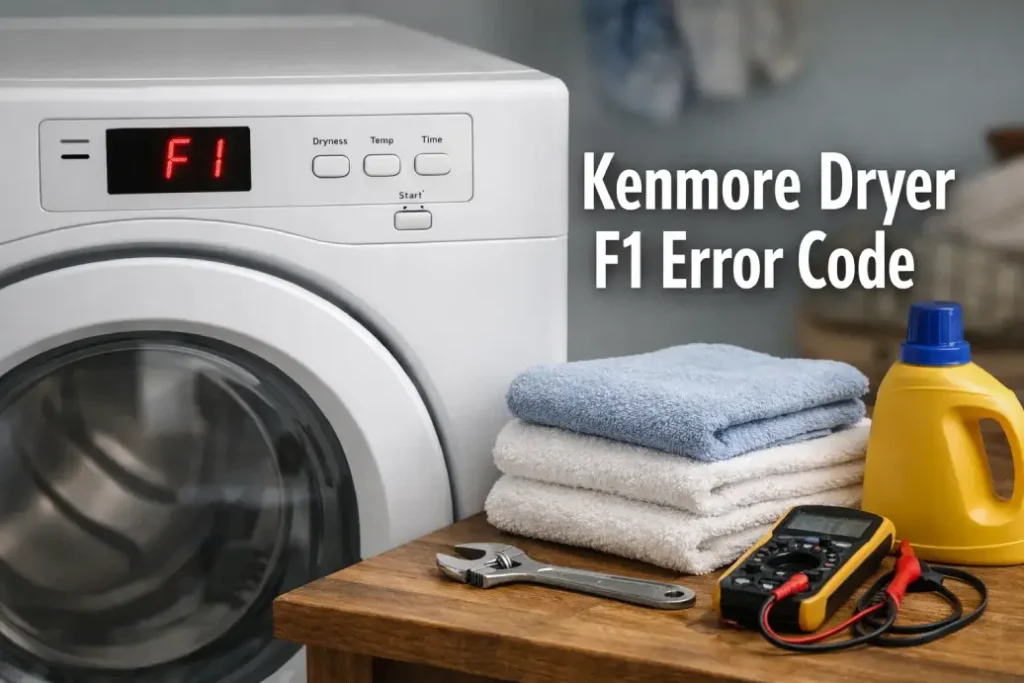
If your dryer suddenly stops mid-cycle and flashes kenmore dryer f1 error code, it’s usually not a “random glitch.” In most cases, the machine is warning you about an electronic control problem—often triggered by heat, moisture, or a failing board connection. The good news: you can do several safe checks at home before paying for parts or service.
Below is a practical guide that explains what the kenmore dryer f1 error code means, what typically causes it, and how to troubleshoot it step by step.
What the Kenmore Dryer F1 Error Code Means
On many Kenmore dryers (especially models manufactured by Whirlpool), the kenmore dryer f1 error code points to an issue in the main electronic control—often the control board (sometimes called the “machine control”), its wiring, or the user interface communication.
In plain English: the dryer’s “brain” is detecting a fault in how it’s reading inputs or controlling the cycle. That’s why the kenmore dryer f1 error code often appears during heating or right after you start the dryer.
Common Symptoms You Might Notice
When the kenmore dryer f1 error code appears, you may also see:
- Dryer won’t start or stops shortly after starting
- Beeping and flashing display
- Cycle time jumps around or resets
- Dryer runs but heat seems inconsistent
- Error returns after you clear it
 If you’re seeing these patterns, the kenmore dryer f1 error code is likely tied to control-board behavior rather than a simple clogged lint screen (though airflow problems can still contribute by overheating electronics).
Why the F1 Error Happens
Here are the most frequent reasons behind the kenmore dryer f1 error code:
- Loose or oxidized wire connections
Heat and vibration can slowly loosen harness plugs. A slightly poor connection can trigger errors. - Moisture or heat stress on the control board
Poor venting raises internal temperatures. Electronics don’t like that—especially over time. - Failing control board (most common for recurring F1)
Components on the board degrade. If the code is frequent, replacement becomes more likely. - Power issues (surges, unstable outlet, improper grounding)
A brief voltage fluctuation can confuse the control system and log an error. - User interface / keypad communication fault (on some models)
Less common, but the panel can send incorrect signals that look like a control fault.
Step-by-Step Troubleshooting (Safe DIY Checks)
Before you open the dryer, unplug it (or switch off the breaker). If you’re not comfortable working around wiring, stop after Step 2 and call a technician.
1) Power Reset (Quickest test)
A reset can clear a temporary logic fault that shows as kenmore dryer f1 error code.
- Unplug the dryer for 5 minutes
- Plug it back in and run a short timed cycle
If the error doesn’t return, it may have been a transient glitch. If it returns soon, continue.
2) Check Your Venting (Prevents overheating)
Bad airflow can raise temperature inside the cabinet and contribute to electronics failure that triggers the kenmore dryer f1 error code.
- Clean lint screen thoroughly
- Inspect vent hose for kinks or crushing
- Make sure exterior vent flap opens freely
- If drying times have gotten longer lately, do a full vent cleaning
Even if venting doesn’t “fix” the F1 immediately, it can prevent repeat failures after repair.
3) Inspect Control Board Connections (Most useful DIY step)
If you can access the control area (often under the top panel), check for:
- Harness plugs not fully seated
- Darkened pins or melted plastic
- Corrosion/oxidation on connectors
Unplug, then reseat each connector firmly. A poor connection is a common reason the kenmore dryer f1 error code appears intermittently.
4) Look for Heat Damage or Burn Marks
While the panel is open, visually inspect:
- Control board for scorched spots
- Wiring insulation near heater circuits
- Any strong burnt-electronics smell
Heat damage strongly suggests the kenmore dryer f1 error code is being caused by control board failure or overheating conditions.
5) Decide: Repair vs Replace the Control Board
If the kenmore dryer f1 error code returns after resets, vent checks, and reseating connectors, the control board is the top suspect.
A good rule of thumb:
- Rare/one-time F1 → likely transient power/connection issue
- Repeat F1 (daily/weekly) → board or interface fault likely
- F1 plus random behavior (timer jumps, starts/stops) → board failure very likely
When to Call a Technician
Call a pro if:
- The dryer trips the breaker, smells hot, or shows visible melting
- You’re uncomfortable removing panels
- The kenmore dryer f1 error code returns immediately after power reset
- You suspect venting goes through walls/roof and needs specialized cleaning
A technician can confirm diagnosis using the model’s tech sheet and test points, and ensure the right part is replaced.
Tips to Prevent the F1 Error from Coming Back
Even after fixing the kenmore dryer f1 error code, prevention matters:
- Keep vents clean (at least annually; more if you dry heavy loads often)
- Avoid running the dryer with a crushed vent hose
- Consider a surge protector rated for appliances (where appropriate and code-compliant)
- Don’t overload—long high-heat cycles increase stress on electronics
The kenmore dryer f1 error code is most often a warning about the dryer’s electronic control system—commonly a failing control board or a connection issue aggravated by heat. Start with a reset and airflow checks, then move to inspecting/reseating control board connectors. If the error keeps returning, control board replacement is usually the most direct solution.
If you want, paste your Kenmore model number (from the door frame label), and I’ll tailor the likely cause and access steps for that exact series—some models place the control board differently and use slightly different diagnostics.