
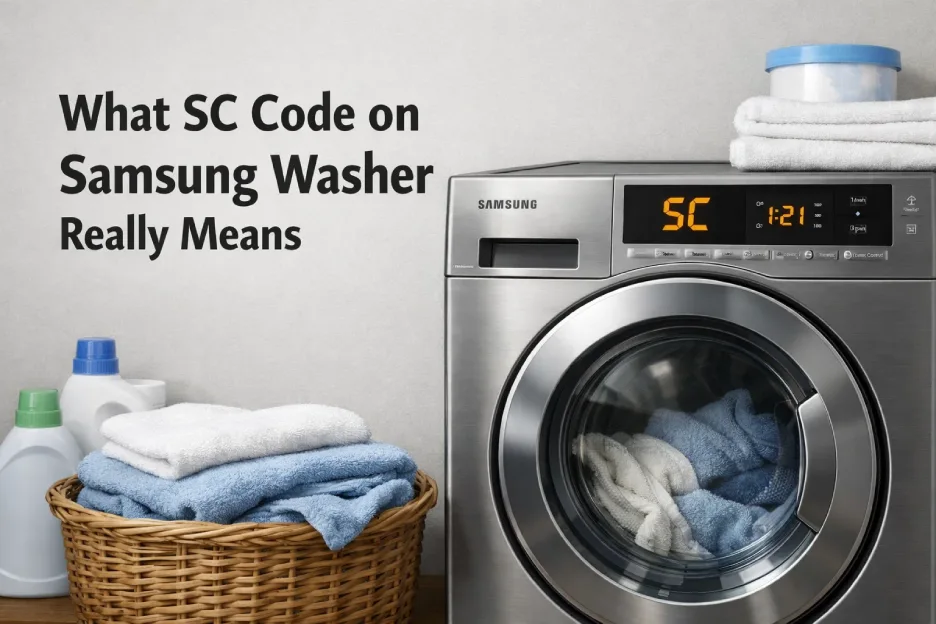
The moment users see water stuck inside the drum, they start searching sc code on samsung washer solutions. This warning indicates that the machine cannot drain water within the expected time.
The Samsung washer SC error protects the pump and motor from overheating.
Why Samsung Washer Not Draining Happens
Common triggers behind samsung washer not draining include:
- Coin or lint blocking filter
- Frozen drain hose
- Pump impeller jam
- Drain pipe clog
If ignored, the washer may stop completing cycles entirely.
How to Fix SC Error Samsung Step by Step
Here is a reliable guide for how to fix sc error samsung: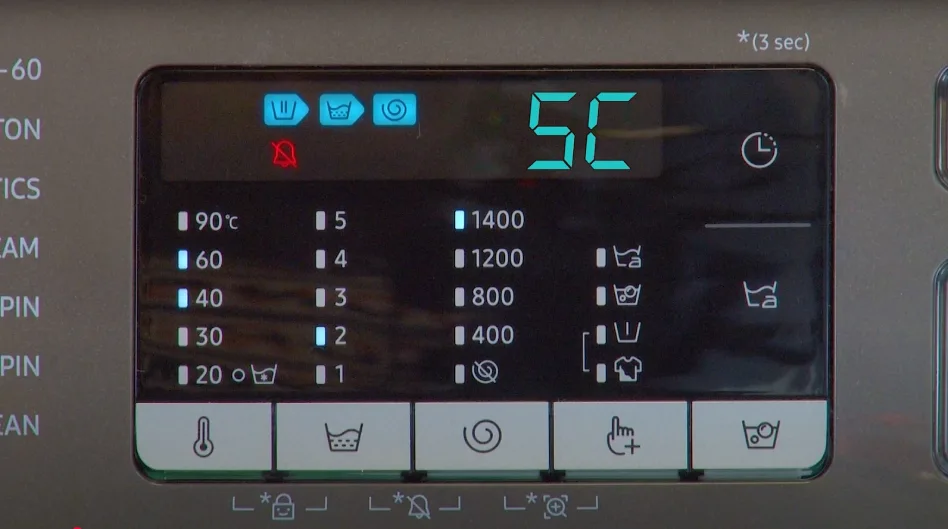
Step 1 — Disconnect Power
Always unplug before servicing.
Step 2 — Access Drain Filter
Most Samsung washers have a lower service panel.
Step 3 — Clean Thoroughly
Remove debris and rinse filter.
Step 4 — Inspect Pump Sound
Run a drain cycle and listen.
Drain Failure Diagnosis Table
| Situation | Drain Pump Sound | Conclusion |
|---|---|---|
| Silent pump | No humming | Pump failure |
| Slow drain | Weak sound | Partial clog |
| Water returns | Normal sound | Plumbing issue |
| Stops randomly | Clicking | Control issue |
Long-Term Prevention Tips
To avoid repeated sc code on samsung washer warnings:
- Clean filter monthly
- Avoid over-detergent use
- Inspect hoses yearly
- Run hot maintenance wash
Professional Repair Advice
Persistent Samsung washer SC error often indicates worn pump bearings or electrical faults. Replacing the pump assembly restores full performance.