
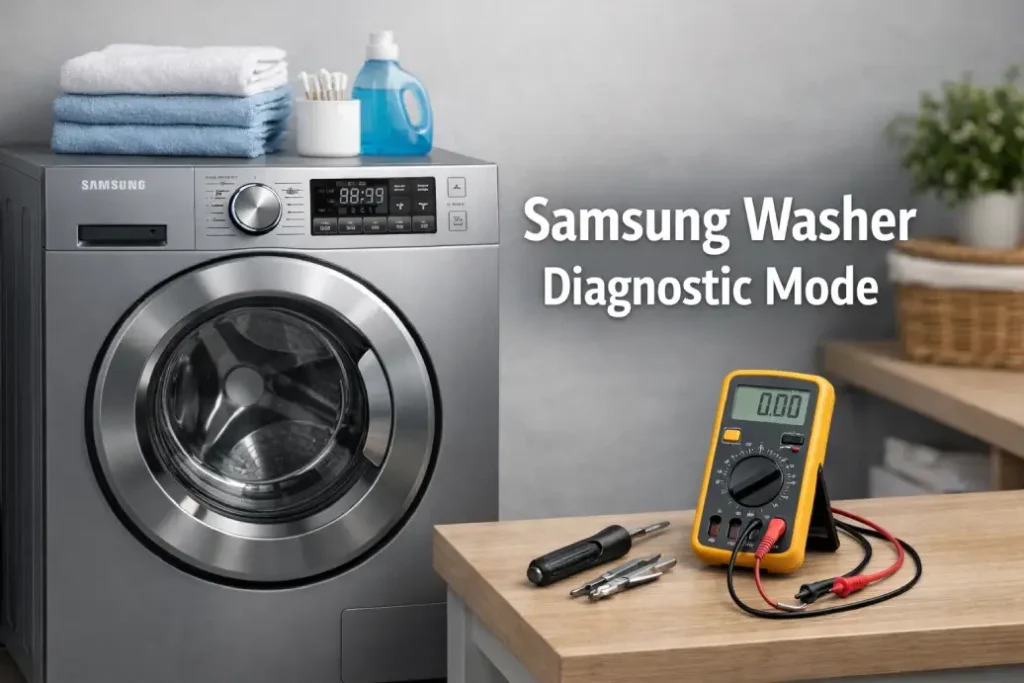
Using samsung washer diagnostic mode allows advanced troubleshooting without special tools or disassembly.
Technicians rely on diagnostic mode samsung washer procedures to quickly isolate failures in core components such as the motor, pump, sensors, and electronic control system. This built-in feature helps reduce guesswork and can significantly shorten repair time.
Most modern Samsung front-load and top-load washers include some form of service or test mode, although the exact button combination may vary slightly by model.
When You Should Use Diagnostic Mode
Running diagnostics is useful when the washer shows unusual behavior or performance issues.
Common situations include:
- Washer not spinning or draining properly
- Random stopping mid-cycle
- Error codes appearing on the display
- Water not filling or filling too slowly
- Loud vibration or abnormal motor noise
- Washer failing to start a program
Instead of replacing parts blindly, diagnostic testing helps confirm which system is actually failing.
How to Run Samsung Washer Test Mode
Typical sequence:
- Power off the washer using the main button
- Hold Temp + Delay Start (or similar buttons depending on model)
- While holding, rotate the cycle knob one click clockwise
- Release buttons and press Start/Pause
- The washer enters service mode and allows component testing
Some models will show “t1”, “t2”, or numeric codes indicating different test stages.
Always ensure the drum is empty before running spin or motor tests.
Test Functions Table
| Test Mode | Checks |
|---|---|
| Spin | Motor operation and vibration |
| Drain | Pump performance |
| Fill | Water inlet valve |
| Display | Control board and buttons |
These quick tests allow you to verify whether the issue is mechanical, electrical, or sensor-related.
How to Navigate Between Test Steps
Once diagnostic mode is active, you can usually:
- Rotate the program knob to switch between tests
- Press Start/Pause to run the selected test
- Press Power to exit service mode
Each test runs for a short predefined time, helping you observe sounds, movement, or water flow behavior.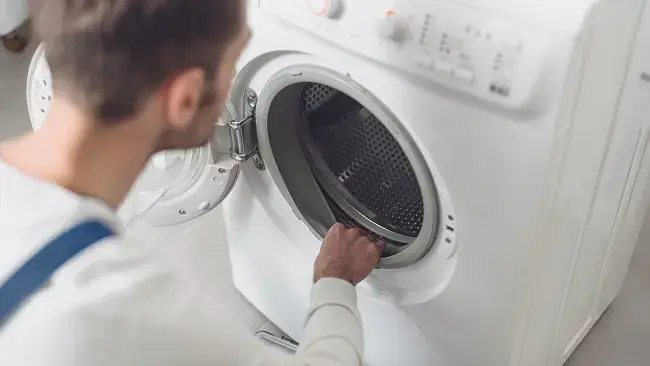
Common Fault Codes Found in Diagnostic Mode
While testing, the washer may display stored or active error codes.
Some frequently reported Samsung washer codes include:
- 4C / 4E → Water supply problem
- 5C / 5E → Drain blockage or pump issue
- UE / UB → Load imbalance detected
- DC → Door lock malfunction
- LE → Water leak or overflow sensor triggered
Identifying the exact code helps determine whether cleaning, adjustment, or part replacement is required.
Safety Tips Before Running Diagnostics
Service mode is powerful and should be used carefully.
Follow these precautions:
- Disconnect laundry from the drum
- Ensure proper water supply connection
- Keep hands clear during spin testing
- Avoid repeated high-speed tests to prevent overheating
- Exit diagnostic mode if strong burning smell or loud grinding occurs
These steps help protect both the appliance and the user.
Why Diagnostics Matter
Correct use of how to run samsung washer test mode prevents unnecessary part replacement.
For example, a washer that does not spin may have:
- A blocked drain filter
- Faulty motor sensor
- Imbalanced load detection issue
- Worn drive components
Running diagnostics allows confirmation before spending money on new parts or professional repair.
Final Thoughts
Samsung washer diagnostic mode is a valuable built-in troubleshooting tool that helps homeowners and technicians quickly identify faults. By understanding how to enter and use test mode safely, you can reduce downtime, improve repair accuracy, and extend the lifespan of your washing machine.