
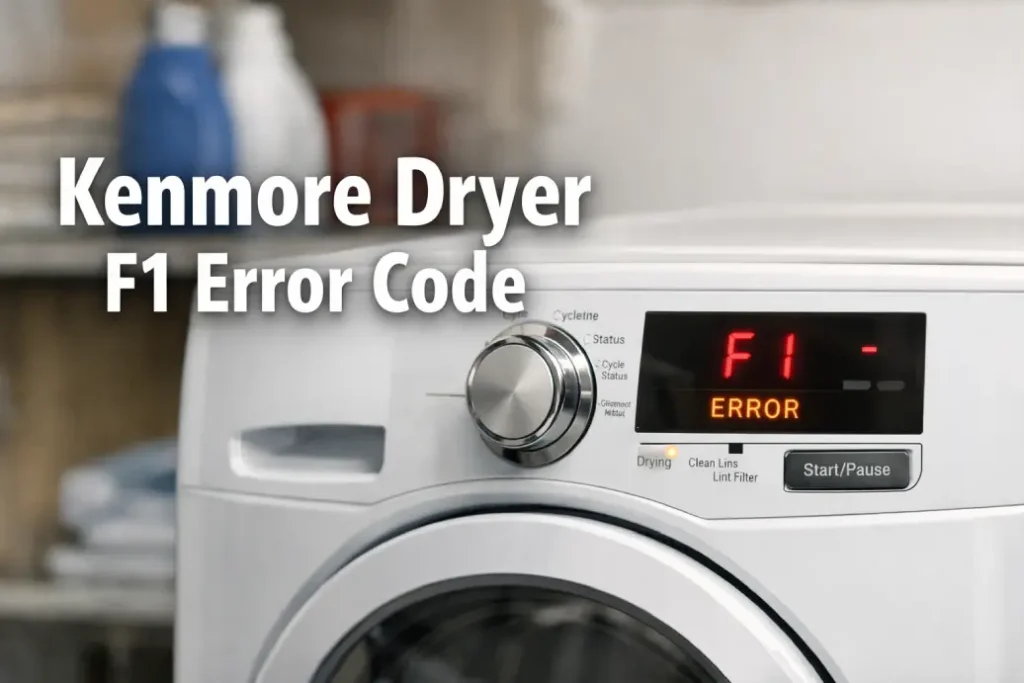
If your laundry routine suddenly stopped because of a Kenmore dryer F1 error, you’re not alone. This frustrating issue can appear out of nowhere — often right when you need clean clothes the most. The good news? In many cases, you can understand the cause and even try a few safe troubleshooting steps before calling a technician.
In this guide, we’ll break down what the Kenmore dryer error code F1 really means, how to diagnose the problem, and when it’s time to book professional appliance repair.
What Does the Kenmore Dryer F1 Error Mean
Seeing a Kenmore dryer F1 error usually points to a communication or control issue inside the appliance. Most commonly, this is related to the electronic control board — the “brain” that manages drying cycles, temperature, and timing.
A Kenmore dryer error code F1 may appear:
- Immediately after powering on
- During a drying cycle
- After a power surge or outage
- Randomly without a clear pattern
In many models, this specific code indicates a Kenmore dryer control board error, meaning the system detects a malfunction or failure in the main electronic component.
Common Causes of the Kenmore Dryer Error Code F1
Understanding why the Kenmore dryer F1 error happens can help you decide whether you can fix it yourself or need professional help.
Here are the most frequent causes:
- Faulty or damaged electronic control board
- Loose internal wiring connections
- Power supply instability or voltage spikes
- Moisture or overheating inside the control panel
- Software glitches in the dryer’s memory
When troubleshooting a Kenmore dryer control board error, it’s important to rule out simple electrical issues first before assuming the board itself is defective.
Quick Troubleshooting Steps to Fix Kenmore Dryer F1 Error
Before you attempt a major repair, try these safe and practical steps to fix Kenmore dryer F1 error situations.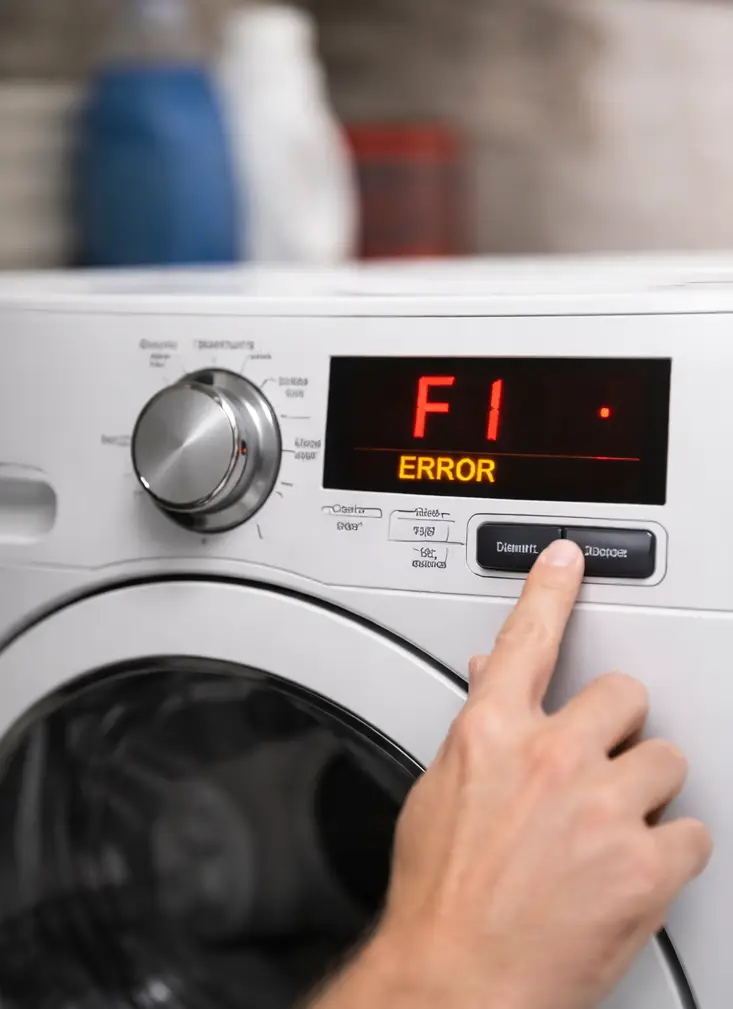
1. Perform a Power Reset
Sometimes a Kenmore dryer error code F1 is triggered by a temporary electronic glitch.
What to do:
- Unplug the dryer from the outlet
- Wait at least 5 minutes
- Plug it back in and start a cycle
If the Kenmore dryer F1 error disappears, the issue may have been a minor software malfunction.
2. Check the Power Supply
Voltage fluctuations can lead to a Kenmore dryer control board error.
Make sure:
- The outlet is functioning properly
- The breaker hasn’t partially tripped
- No extension cords are being used
If power delivery is unstable, the system may continue to show a Kenmore dryer error code F1 even when the dryer itself is fine.
3. Inspect the Control Panel
If you’re comfortable with basic appliance inspection, you can remove the top panel and check for visible signs of damage.
Look for:
- Burn marks on the board
- Loose connectors
- Corrosion or moisture
These signs often confirm the need to fix Kenmore dryer F1 error by replacing electronic components.
Kenmore Dryer F1 Error Troubleshooting Overview
| Symptom | Possible Cause | DIY Fix | Professional Repair Needed |
|---|---|---|---|
| F1 code appears randomly | Software glitch | Power reset | Usually not |
| Dryer won’t start at all | Control board failure | No | Yes |
| Error after power outage | Voltage surge damage | Check outlet | Often |
| Intermittent stopping mid-cycle | Wiring or board issue | Visual inspection | Likely |
| Burning smell or visible damage | Severe board malfunction | No | Urgent service |
This table helps you quickly assess how serious a Kenmore dryer F1 error might be.
When You Should Call a Technician
While some homeowners successfully fix Kenmore dryer F1 error problems with simple resets, there are situations where professional repair is the smartest move.
Consider booking service if:
- The Kenmore dryer error code F1 keeps returning
- The dryer won’t run any cycles
- You notice electrical smells or overheating
- The appliance is still under warranty
- You’re unsure how to safely access internal components
A certified technician can confirm whether the issue is truly a Kenmore dryer control board error and replace the part correctly.
If your dryer is older, it may be worth comparing repair costs with replacement options before deciding how to fix Kenmore dryer F1 error issues.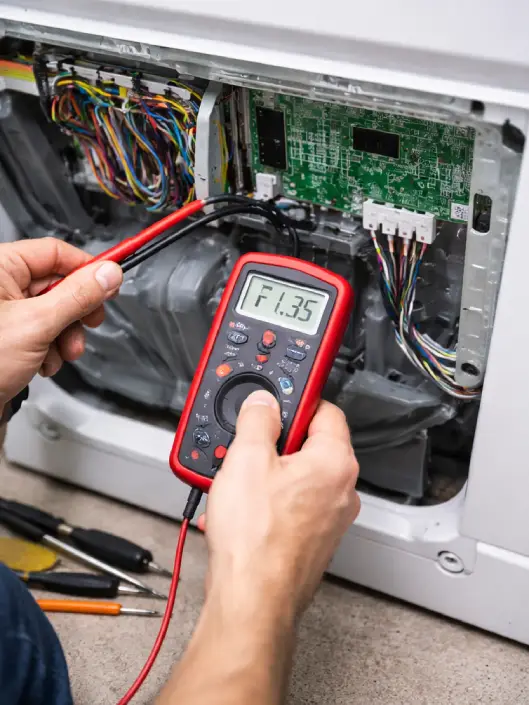
How to Prevent Kenmore Dryer Error Code F1 in the Future
Prevention is always easier than repair. To reduce the chances of another Kenmore dryer F1 error, follow these tips:
- Use a surge protector or dedicated circuit
- Keep the dryer in a dry, ventilated area
- Clean lint filters and vents regularly
- Avoid overloading the appliance
- Schedule annual appliance maintenance
Taking these steps can help extend the life of the control system and reduce the risk of another Kenmore dryer control board error.
Final Thoughts
A Kenmore dryer error code F1 can feel overwhelming at first, but in many cases the cause is manageable. Start with simple troubleshooting steps like resetting the appliance and checking the power supply. If the Kenmore dryer F1 error persists, professional diagnosis is the safest path forward.
Reliable repair service can quickly fix Kenmore dryer F1 error problems, restore normal operation, and prevent further electrical damage — saving you time, stress, and unexpected laundry delays.