
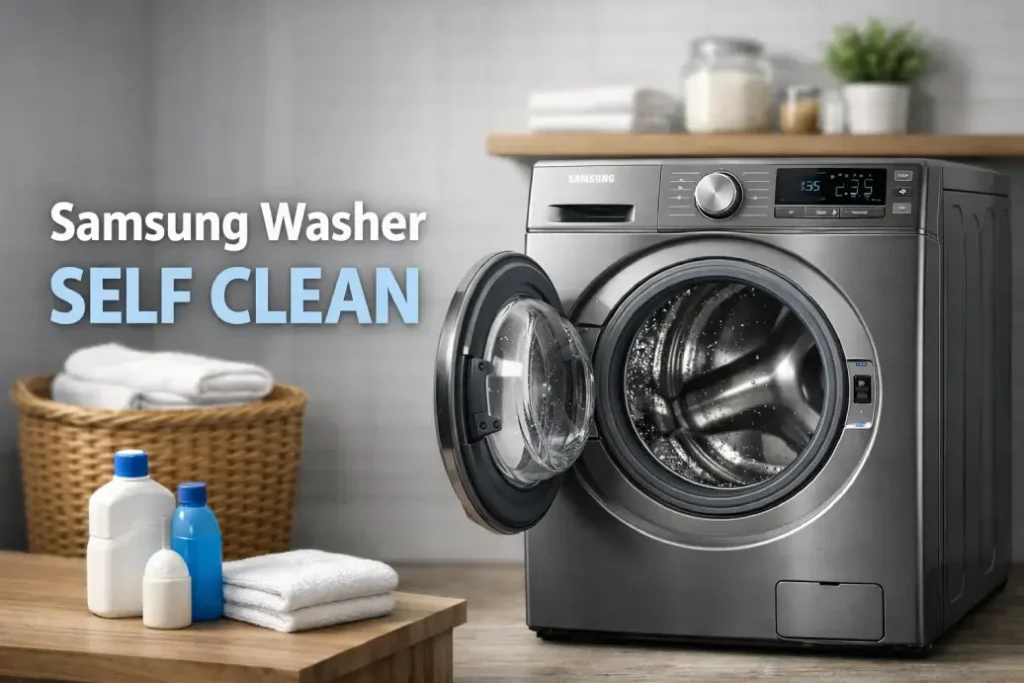
If your washing machine smells musty, leaves residue on clothes, or simply doesn’t feel as fresh as it used to — the Samsung washer self clean feature might be exactly what you need. Many users ignore this built-in maintenance cycle until performance drops. The good news? You can often solve cleanliness and odor issues yourself in under an hour.
This guide explains how the Samsung washer self clean works, how to run it properly, common problems, and when it’s time to call a technician.
What Is the Samsung Washer Self Clean Cycle?
The Samsung washer self clean cycle is a special maintenance program designed to remove detergent buildup, mold, bacteria, and debris from the drum. Over time, moisture and soap residue create an ideal environment for odor-causing bacteria.
Unlike a normal wash, the Samsung washing machine self clean cycle uses higher temperatures, optimized drum movement, and extended rinse patterns to sanitize internal components.
Why you should use it regularly
- Prevent bad odors
- Improve washing performance
- Extend washer lifespan
- Reduce mold and residue buildup
- Keep clothes truly clean
Ignoring routine maintenance is one of the top reasons homeowners later search for appliance repair.
How to Use Samsung Washer Self Clean Properly
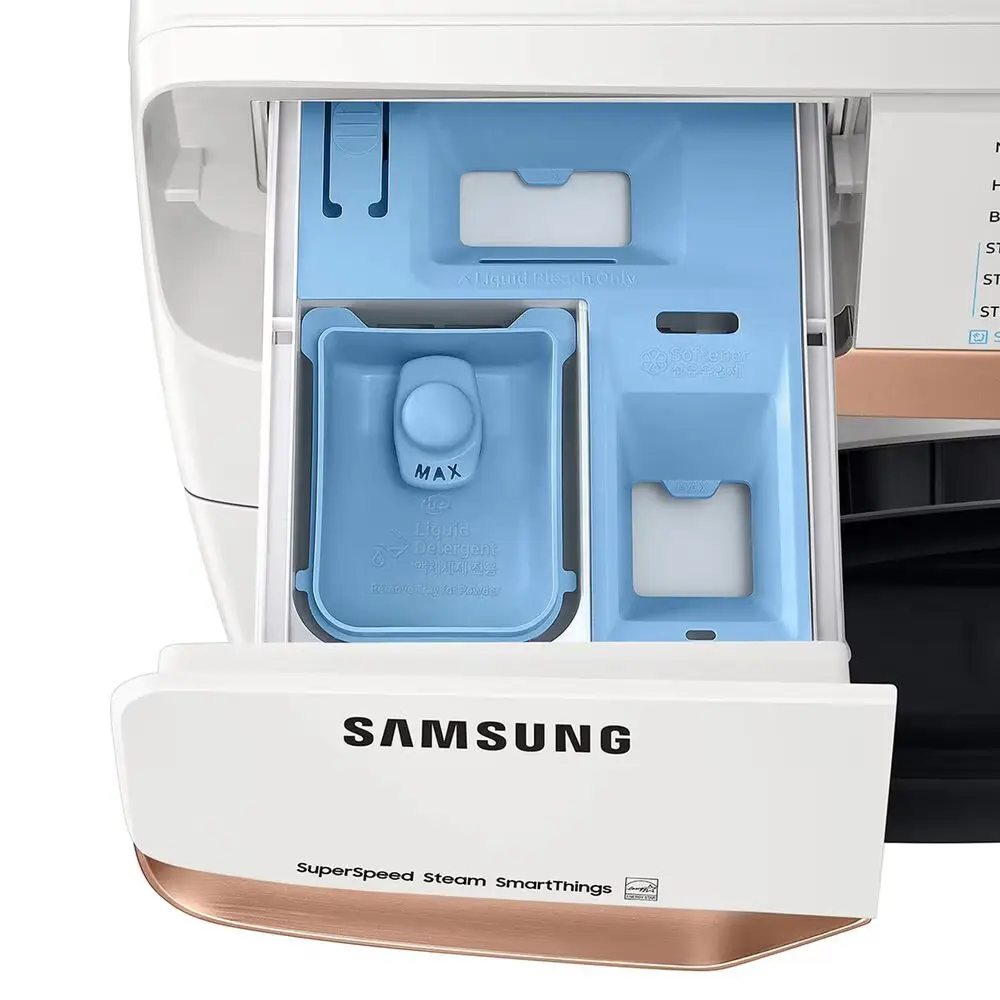
Many people search how to use Samsung washer self clean because they assume detergent or additives are required. In most cases — they are not.
Step-by-step instructions
- Empty the washer completely
- Turn on the machine
- Select the Self Clean / Self Clean+ cycle
- Press Start
- Wait until the cycle completes
That’s it. The Samsung washer self clean process usually takes 60–90 minutes, depending on model.
Important: Do not add laundry or regular detergent during this cycle.
How Often Should You Run the Self Clean Cycle?
Samsung recommends running the Samsung washing machine self clean cycle after every 20–40 washes. Some modern models even display a reminder notification.
Here is a simple maintenance guide:
| Usage Level | Recommended Self Clean Frequency |
|---|---|
| Light (1–2 loads/week) | Once every 6–8 weeks |
| Medium (3–5 loads/week) | Once per month |
| Heavy (daily washing) | Every 2–3 weeks |
| After washing pet bedding / towels | Immediately run self clean |
Running the Samsung washer self clean regularly prevents expensive repairs later.
Common Problems With Samsung Washer Self Clean
Even though the feature is simple, users sometimes experience issues. Understanding them can help you fix the washer without professional help.
Self Clean cycle won’t start
Possible reasons:
- Door not fully closed
- Control panel lock enabled
- Software glitch
- Drain or water supply issue
Try unplugging the washer for 5 minutes to reset it.
Washer still smells after self clean
If the Samsung washer self clean cycle runs but odors remain, the issue may be external.
Check:
- Door gasket (front-load models)
- Detergent drawer buildup
- Drain filter clog
- Hidden mold behind drum
In this case, manual cleaning may be required.
Self Clean takes too long
If you’re wondering how to use Samsung washer self clean efficiently, timing matters. Extended cycle duration may indicate:
- Hard water scaling
- Heating element inefficiency
- Sensor malfunction
- Control board calibration issue
Running two consecutive Samsung washing machine self clean cycle programs can sometimes resolve buildup-related delays.
Pro Tips to Make Self Clean More Effective
Even though the Samsung washer self clean function is automatic, a few smart habits can improve results significantly.
Practical maintenance checklist
- Leave the washer door slightly open after each wash
- Use high-efficiency detergent only
- Avoid detergent overdosing
- Clean the drain filter monthly
- Wipe gasket seals weekly
- Run hot cycles occasionally
These steps reduce reliance on deep maintenance and help the Samsung washing machine self clean cycle work at peak efficiency.
When DIY Cleaning Is Not Enough
Sometimes repeated use of Samsung washer self clean does not solve deeper mechanical or electrical issues.
You may need professional service if you notice:
- Persistent burning smell
- Loud grinding during drum rotation
- Water not heating during self clean
- Error codes appearing
- Washer stopping mid-cycle
These symptoms often indicate problems with:
- Heating element
- drum bearings
- control board
- pump system
Booking a technician early can prevent full washer replacement.
Final Thoughts
The Samsung washer self clean feature is one of the easiest ways to keep your washing machine fresh, efficient, and long-lasting. Understanding how to use Samsung washer self clean correctly can eliminate odors, improve washing quality, and reduce the risk of breakdowns.
Still, if the Samsung washing machine self clean cycle doesn’t solve the problem after several attempts, it’s a strong signal that professional diagnostics may be needed. Preventive service is almost always cheaper than emergency repair.