
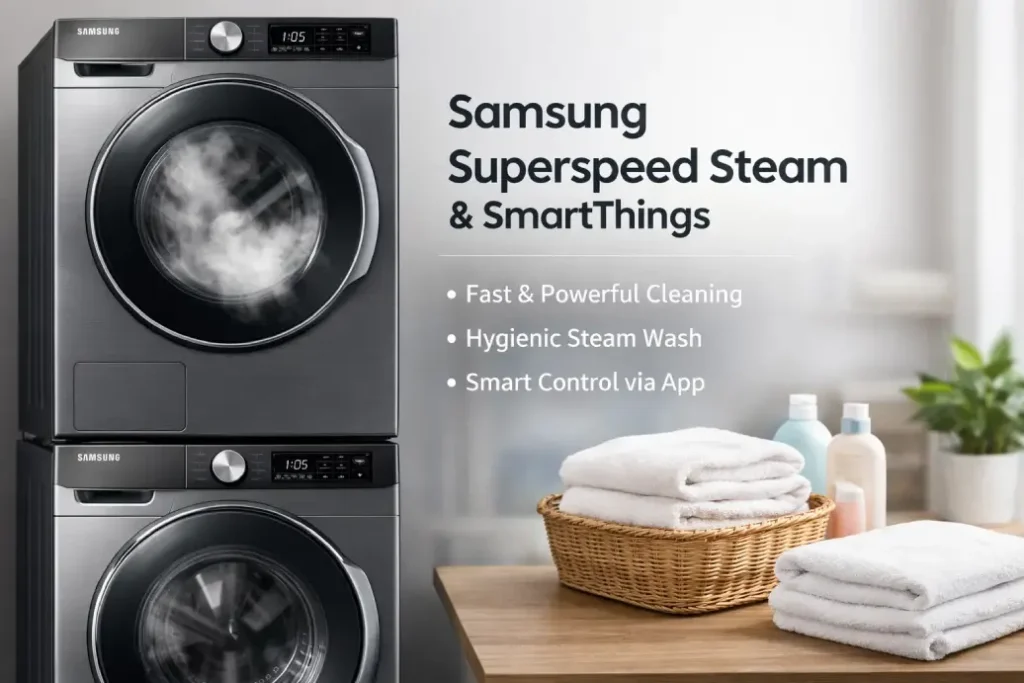
Modern Samsung washers combine speed, smart connectivity, and powerful cleaning features. However, when Samsung SuperSpeed Steam SmartThings functions stop working as expected, it can disrupt your laundry routine and create unnecessary stress.
This practical guide explains how the Samsung SuperSpeed Steam SmartThings system works, why problems happen, and what you can do to fix them yourself before calling a professional.
How Samsung SuperSpeed Steam and SmartThings Work Together
The Samsung SuperSpeed Steam feature is designed to shorten wash times while delivering deep steam cleaning. At the same time, a Samsung SmartThings washer allows users to monitor cycles, receive alerts, and control settings remotely.
When these systems work together, the result is:
- Faster laundry cycles
- Improved stain removal using steam
- Remote diagnostics and cycle management
- Energy-efficient operation
But if your Samsung washer steam cycle stops producing steam or the Samsung washer not connecting to SmartThings error appears, troubleshooting becomes necessary.
Common Samsung SuperSpeed Steam SmartThings Problems
Users often report similar issues related to Samsung SuperSpeed Steam SmartThings performance. Understanding symptoms helps identify the root cause faster.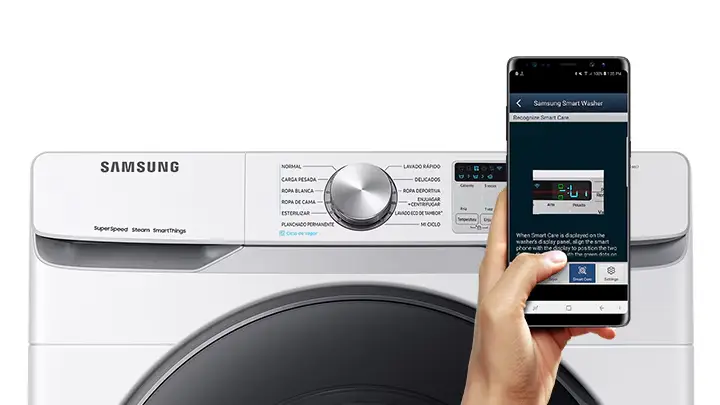
Typical complaints include:
- Steam cycle not activating
- Washer running longer than expected
- SmartThings app showing offline status
- Error codes during SuperSpeed cycles
- Delayed or missing push notifications
If your Samsung SmartThings washer displays connection problems while the Samsung washer steam cycle also underperforms, the issue may involve both hardware and software.
Quick Troubleshooting Steps You Can Try First
Before scheduling service, try these simple checks. Many Samsung SuperSpeed Steam issues can be resolved at home.
1. Check Water Supply and Temperature
Steam functions require consistent water pressure and correct temperature.
Make sure:
- Hot water valve is fully open
- Inlet hoses are not kinked
- Filters are clean
A weak supply can prevent the Samsung washer steam cycle from generating enough steam during Samsung SuperSpeed Steam programs.
2. Restart the SmartThings Connection
If your Samsung washer not connecting to SmartThings, follow these steps:
- Turn off the washer for 1 minute
- Restart your router
- Reopen the SmartThings app
- Re-pair your Samsung SmartThings washer
Connectivity interruptions are one of the most common Samsung SuperSpeed Steam SmartThings complaints.
3. Update Washer Firmware via SmartThings
Outdated firmware may cause:
- Steam cycle timing errors
- Incorrect cycle data
- Connection instability
Use your Samsung SmartThings washer interface to check updates. Keeping software current improves both Samsung SuperSpeed Steam performance and SmartThings reliability.
Error Codes Related to Samsung Steam & Smart Features
Here is a helpful reference table for typical washer alerts.
| Error Code | Possible Meaning | DIY Action |
|---|---|---|
| 4C / 4E | Water supply issue | Check inlet hoses & valves |
| 5C | Drain problem | Clean pump filter |
| Ub | Unbalanced load | Redistribute laundry |
| Wi-Fi icon blinking | SmartThings connection issue | Reconnect network |
| Steam cycle stops early | Temperature or sensor fault | Run empty test cycle |
If repeated Samsung washer steam cycle failures occur even after fixes, internal components such as steam generators or sensors may require replacement.
When Samsung SuperSpeed Steam Stops Working Completely
A fully non-functional Samsung SuperSpeed Steam mode usually indicates one of the following:
- Faulty heating element
- Steam generator blockage
- Control board malfunction
- Wiring or sensor failure
In such cases, continued attempts to run the Samsung washer steam cycle can lead to longer wash times and increased energy consumption.
Also, simultaneous Samsung washer not connecting to SmartThings errors may suggest a main board communication issue affecting the entire Samsung SuperSpeed Steam SmartThings system.
Preventing Future Samsung Smart Washer Problems
Regular maintenance helps your Samsung SmartThings washer stay reliable and efficient.
Best prevention tips:
- Run monthly drum cleaning cycles
- Avoid overloading during Samsung SuperSpeed Steam programs
- Maintain stable home Wi-Fi coverage
- Install firmware updates promptly
- Clean detergent drawer and steam vents
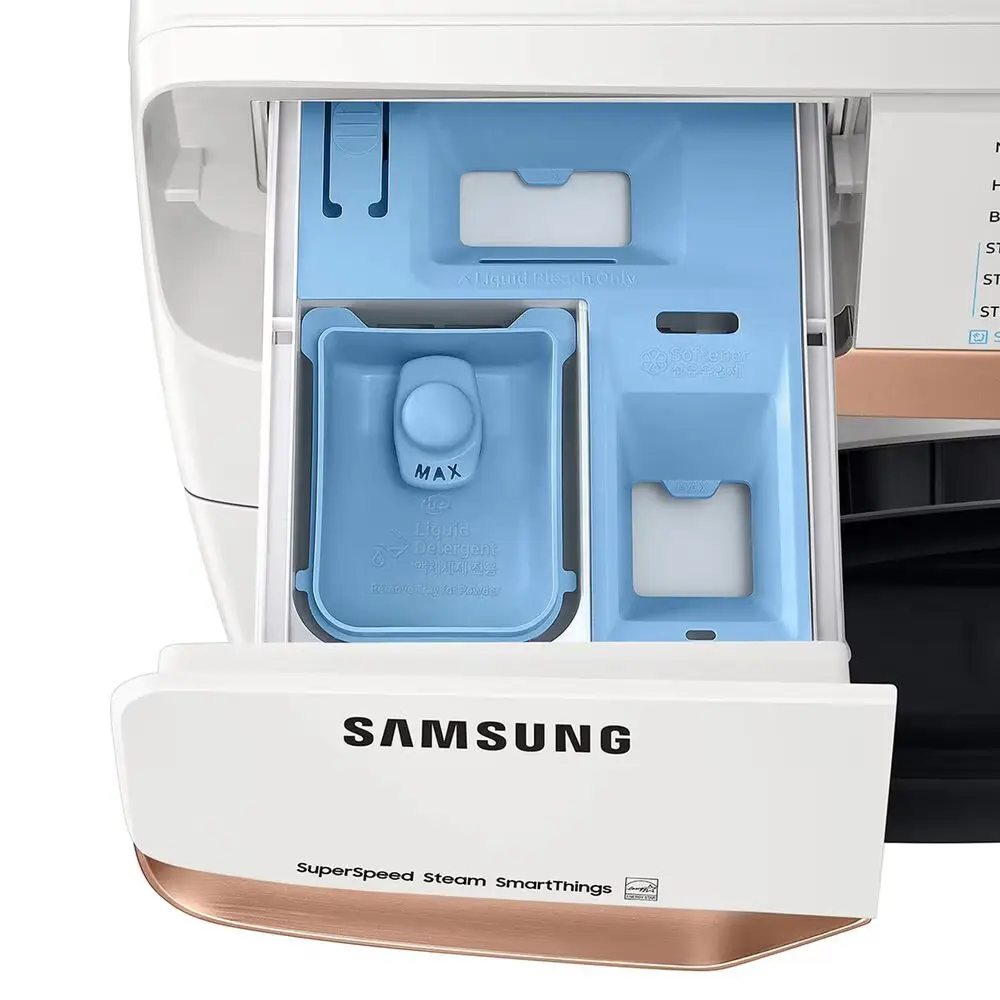 Consistent care reduces the chance of recurring Samsung SuperSpeed Steam SmartThings malfunctions.
DIY vs Professional Repair: What’s the Smart Choice?
Some users can confidently handle:
- Wi-Fi reconnection
- Hose cleaning
- Filter maintenance
- App troubleshooting
However, if your Samsung washer steam cycle still fails or your Samsung SmartThings washer disconnects repeatedly, professional diagnostics may save time and prevent costly damage.
A trained technician can:
- Test heating components
- Replace steam generator parts
- Update internal control software
- Restore full Samsung SuperSpeed Steam SmartThings functionality
Booking service early often prevents complete washer breakdown.
Final Thoughts
The Samsung SuperSpeed Steam SmartThings ecosystem offers powerful convenience — but like any smart appliance, it can experience performance issues.
By understanding how the Samsung SuperSpeed Steam feature interacts with SmartThings connectivity and following structured troubleshooting steps, many homeowners can restore normal operation quickly.
Still, persistent Samsung washer not connecting to SmartThings alerts or repeated Samsung washer steam cycle failures should be treated as signs to seek professional repair.