
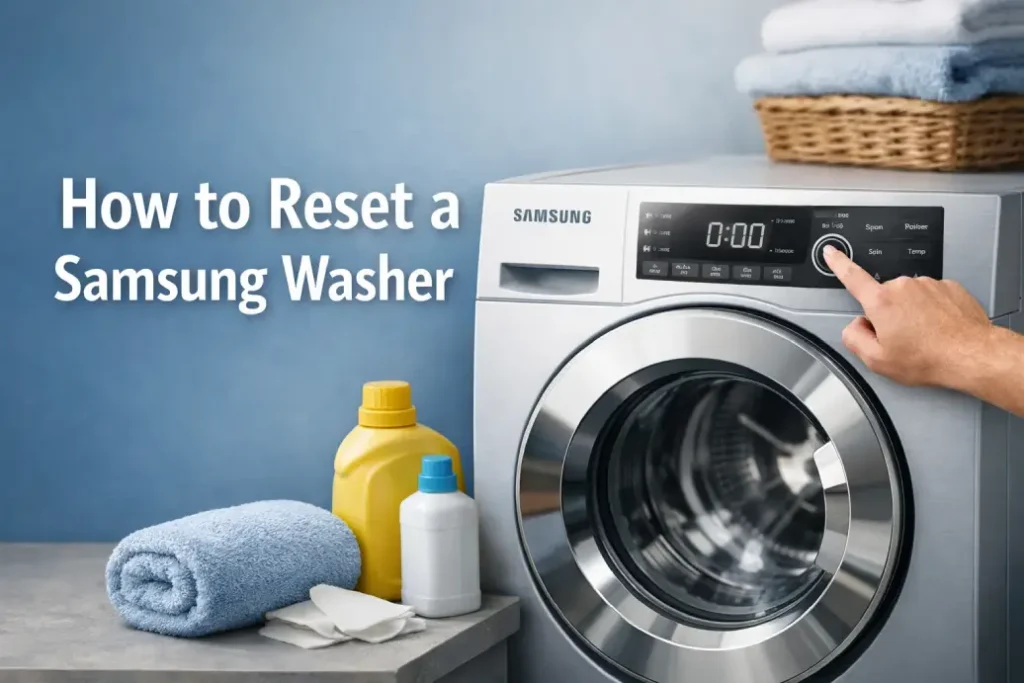
Modern Samsung washing machines are reliable, but like any electronic appliance they can occasionally freeze, show unexpected error codes, or stop mid-cycle. In many cases, the fastest solution is simply to reset the Samsung washer. A reset clears minor system glitches and allows the machine to restart its control system.
Below you’ll find a clear explanation of how to reset a Samsung washer, when it helps, and what to do if the problem persists.
Why You May Need to Reset a Samsung Washer
Before calling for repair, a reset is often the first troubleshooting step. Samsung washers use electronic control boards that can occasionally experience temporary software errors.
Common situations where a reset helps:
- The washer stops during a cycle
- Buttons stop responding
- The display shows a random error code
- The washer won’t start or unlock
- The program freezes before completing
In many of these cases, learning how to reset a Samsung washer can save time and potentially avoid a service visit.
The Standard Method to Reset a Samsung Washer
Unlike some appliances, most Samsung washers do not have a dedicated reset button. Instead, the reset happens by rebooting the system.
Step-by-Step Reset Instructions
- Turn off the washer using the Power button.
- Unplug the washer from the electrical outlet.
- Wait 1–5 minutes to allow the internal capacitors to fully discharge.
- Plug the washer back in.
- Turn the machine on and select a new cycle.
This simple process is the most common method for resetting a Samsung washer and works for both front-load and top-load models.
Quick Reset Method (Control Panel Reset)
Some users report that a quick control reset can also work.
Try this:
- Press Pause/Start to stop the washer.
- Turn the Power button off.
- Wait about 30 seconds.
- Turn the washer back on.
This shorter reset can clear minor control panel glitches without unplugging the machine.
Common Samsung Washer Errors and When Resetting Helps
The table below shows several common washer problems and whether a reset is likely to fix them.
| Problem / Error Code | Possible Cause | Will Reset Help? |
|---|---|---|
| Washer frozen during cycle | Software glitch | Yes |
| Display not responding | Control board issue | Often |
| Error code UE / UB | Unbalanced load | Usually no |
| Error code 4C | Water supply problem | No |
| Door locked after cycle | Control glitch | Sometimes |
| Washer won’t start | Electronic bug | Often |
If you attempt to reset your Samsung washer and the error code returns immediately, the issue may require deeper troubleshooting.
When a Reset Won’t Fix the Problem
While resetting a Samsung washer is useful, it cannot repair mechanical or electrical faults.
A reset will not fix problems such as:
- Faulty door lock
- Broken water inlet valve
- Drain pump failure
- Damaged control board
- Wiring problems
- Persistent error codes
If the washer repeatedly stops even after you reset the Samsung washer, professional diagnosis is recommended.
Tips to Prevent Samsung Washer Errors
Regular maintenance can reduce the need to reset the machine.
Helpful tips:
- Avoid overloading the washer
- Use the correct amount of detergent
- Run a self-clean cycle monthly
- Check water supply hoses
- Keep the drain filter clean
These simple habits help keep the washer operating smoothly and reduce system glitches.
When to Call a Professional Technician
If you tried to reset your Samsung washer and the issue continues, a technician may be needed.
Consider professional repair if:
- The washer keeps displaying the same error code
- The drum does not spin
- Water will not drain
- The machine shuts off during cycles
- The washer will not power on
A trained technician can test components, replace defective parts, and restore proper operation.
Final Thoughts
Knowing how to reset a Samsung washer is one of the simplest and most effective troubleshooting steps. A quick power reset can often clear minor electronic glitches and restore normal washing cycles.
However, if resetting the washer does not solve the problem, the issue may involve hardware components that require professional repair. Addressing these problems early can help prevent more serious damage and keep your washer running efficiently.